edifice.CheckBox#
- class edifice.CheckBox(checked=False, text='', on_change=None, **kwargs)[source]#
Bases:
QtWidgetElement[EdCheckBox]Checkbox widget.
A CheckBox allows the user to select a boolean.
Underlying Qt Widget QCheckBox
Props
All props from
QtWidgetElement, plus:- Parameters:
checked (
bool) – Whether or not the CheckBox is checked.text (
str) – Text for the label of the CheckBox.on_change (
Optional[Callable[[bool],None]]) – Event handler for when the checked value changes, but only when the user checks or unchecks, not when the checked prop changes.
The
checkedprop determines the check-state of the widget. When the user toggles the check state, theon_changecallback is called with the requested new check state.Usage
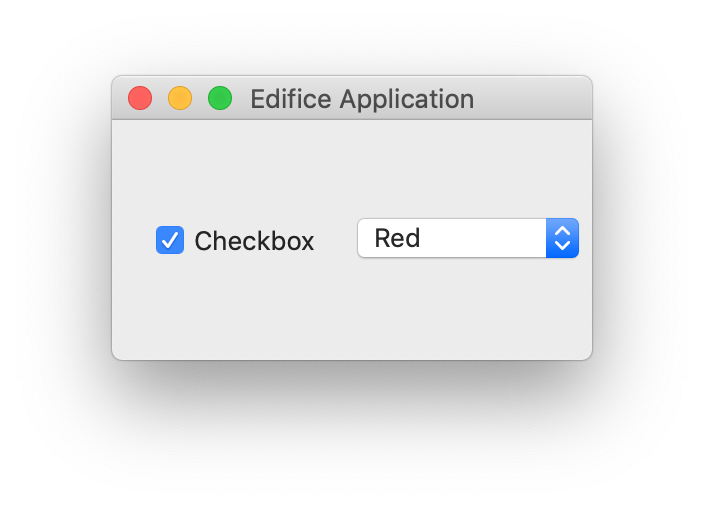
CheckBox on the left.#
checked, checked_set = ed.use_state(False)

CheckBox(
    checked=checked,
    text="Check me",
    on_change=checked_set,
)
Methods
__init__([checked, text, on_change])register_ref(reference)Registers provided
Referenceto this Element.set_key(key)Set the key of an
Element.Attributes
childrenThe children of this Element.
propsThe props of this Element.
underlyingThe underlying QWidget, which may not exist if this Element has not rendered.