edifice.Label#
- class edifice.Label(text='', selectable=False, word_wrap=False, link_open=False, text_format=TextFormat.AutoText, **kwargs)[source]#
Bases:
QtWidgetElement[QLabel]Text display widget.
Underlying Qt Widget QLabel
Props
All props from
QtWidgetElementplus:- Parameters:
text (
str) – The text to display.word_wrap (
bool) – Enable/disable word wrapping.link_open (
bool) – Whether hyperlinks will open to the operating system. Defaults to False. PySide6.QtWidgets.QLabel.setOpenExternalLinksselectable (
bool) – Whether the content of the label can be selected. Defaults to False.text_format (
TextFormat) – The text format of the label. Defaults toQtCore.Qt.TextFormat.AutoText. See QtCore.Qt.TextFormat.
Usage
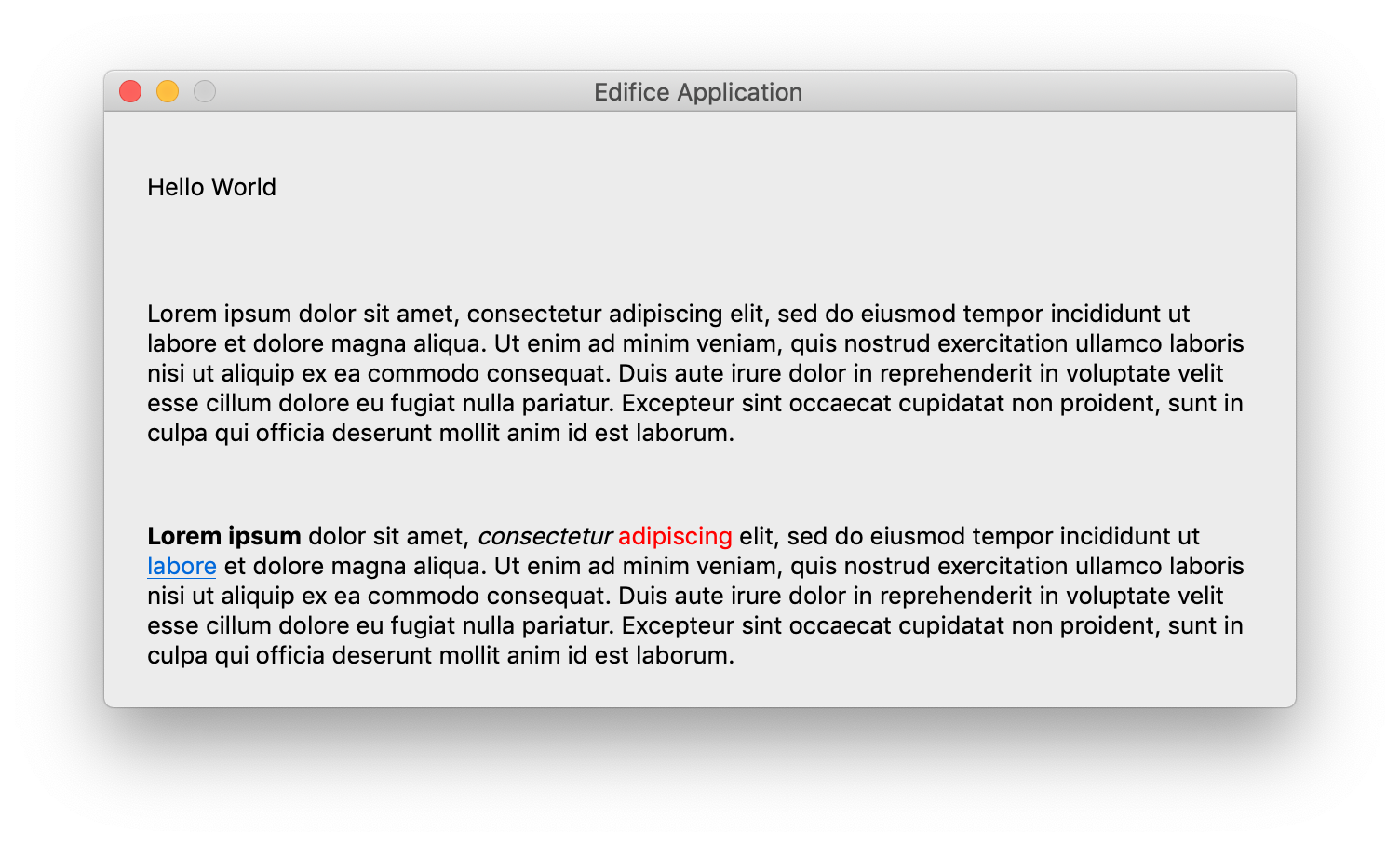
Render rich text with the Qt supported HTML subset.
Label(
    word_wrap=True,
    link_open=True,
    text='''
        <h1><a href="https://doc.qt.io/qt-6/qlabel.html">QLabel</a></h1>

        <p style="line-height:1.5">
        <code>QLabel</code> is used for <b>displaying text</b> or an image.
        No user interaction functionality is provided. The visual appearance of the
        label can be configured in various ways, and it can be used for specifying
        a focus mnemonic key for another widget.
        </p>
        ''',
)
Note
The combination of rich text and
word_wrapcan sometimes cause Qt Layout Issues.Methods
__init__([text, selectable, word_wrap, ...])register_ref(reference)Registers provided
Referenceto this Element.set_key(key)Set the key of an
Element.Attributes
childrenThe children of this Element.
propsThe props of this Element.
underlyingThe underlying QWidget, which may not exist if this Element has not rendered.